
Access SkillzPin via the Moodle Mobile App
Completion requirements
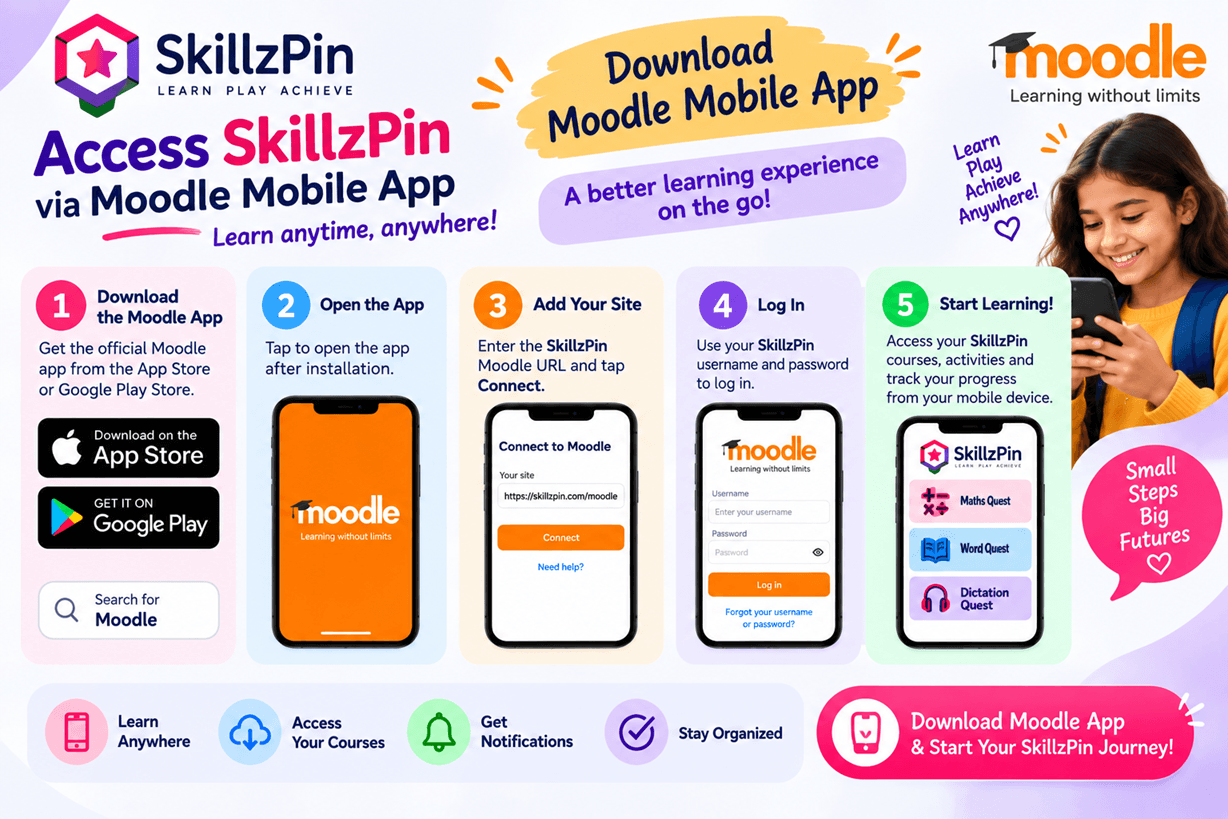
Step 1 — Download the Moodle App
Download the official Moodle App from Google Play or the App Store.
Step 2 — Open the Moodle App
Launch the app after installation.
Step 3 — Add SkillzPin
When the app asks for your Moodle site, enter:
Then tap Connect.
Step 4 — Log in
Use your SkillzPin username and password.
Step 5 — Start Learning! 🚀
Access your SkillzPin courses, activities and learning progress from your mobile device.
Last modified: Wednesday, 23 September 2026, 10:34 AM